Home
Setup a developer machine in a single command line across multiple OS.
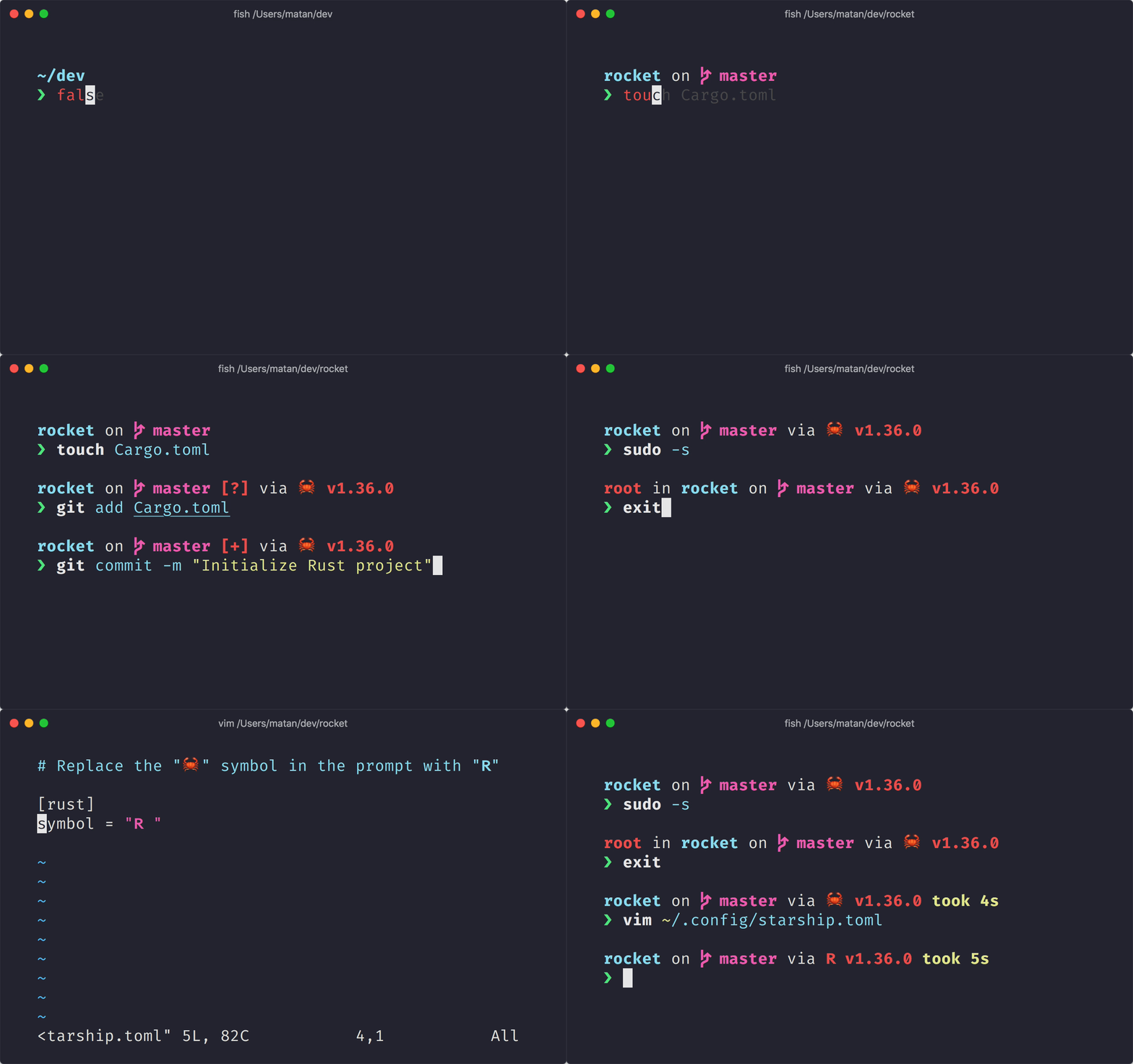
You will get a Starship terminal, Visual Studio Code with extensions and a lot more packages and tools which you can further customize
🔥 Quick Start
Mac and Linux-based distros:
curl -fsSL https://raw.githubusercontent.com/saul-salazar-dotcom/devinstall.com/master/install.sh | sh
On Windows, please open a PowerShell terminal as an Administrator and copy & paste the following command:
Set-ExecutionPolicy Bypass -Scope Process -Force; [System.Net.ServicePointManager]::SecurityProtocol = [System.Net.ServicePointManager]::SecurityProtocol -bor 3072; iex ((New-Object System.Net.WebClient).DownloadString('https://raw.githubusercontent.com/saul-salazar-dotcom/devinstall.com/master/install.ps1'))
🚀 Features
- EASY: copy & paste one line
- KISS: script file of less than 100 lines
- Cross Platform Wrapper powered by UPT
- Tools Versions Manager powered by mise
- Text Editor powered by Visual Studio Code
- Works great with multiple Linux OS, MacOS and Windows
- Installs Python3 and NodeJS (LTS) by default
🔤 Defaults
- Packages
- Tools
- Extensions
- Git Lens
- Git Graph
- Prettier
- Better TOML
- Rainbow CSV
- DotEnv
- EditorConfig
- Workspace Sidebar
- TODO Highlight
- Indent Rainbow
- Code Spell Checker
- TODO Tree
- Error Lens
- Live Share
- Live Server
- WSL
- Jinja
- Python
- Python Indent
- Python Environment Manager
- [Pylance]https://marketplace.visualstudio.com/items?itemName=ms-python.vscode-pylance
- autoDocString
- Visual Studio IntelliCode
- Path Intellisense
📝 Customization
You can add environment variables to install custom packages/tools/extensions. Just export the variable before running the quick start script.
export TOOLS="nodejs@18,go"
export EXTENSIONS="vscodevim.vim"
curl -fsSL https://raw.githubusercontent.com/saul-salazar-dotcom/devinstall.com/master/install.sh | sh
$env:PACKAGES = "docker-desktop"
$env:TOOLS = "java,go"
$env:EXTENSIONS = "ms-kubernetes-tools.vscode-kubernetes-tools"

Set-ExecutionPolicy Bypass -Scope Process -Force; [System.Net.ServicePointManager]::SecurityProtocol = [System.Net.ServicePointManager]::SecurityProtocol -bor 3072; iex ((New-Object System.Net.WebClient).DownloadString('https://raw.githubusercontent.com/saul-salazar-dotcom/devinstall.com/master/install.ps1'))
PACKAGESenv var is meant to install system packages (which are available viaapt,brew,choco, etc.)TOOLSenv var is meant to install developer tools (which are available via asdf plugins or mise plugins)EXTENSIONSenv var is meant to install extensions of Visual Studio Code using the extensions ID- After running the script you can install anything using
upt install $pkgormise use -g $pkg.
🎨 Presets
# AWS Cloud
export TOOLS="awscli,awscli-local,serverless,awsls,awsweeper,aws-nuke,awsebcli,aws-amplify-cli,aws-sam-cli,aws-sso-cli,saml2aws,granted,iamlive"

# Terraform
export TOOLS="opentofu,terraform,terragrunt,terraformer,terraform-lsp,tf-summarize,tfstate-lookup,tfmigrate,tflint,tfenv,tfctl,terrascan,k2tf,infracost"
export EXTENSIONS="HashiCorp.terraform,pjmiravalle.terraform-advanced-syntax-highlighting,tfsec.tfsec,Infracost.infracost"

# Security
export TOOLS="amass,bitwarden-secrets-manager,nancy,sentry-cli,gitleaks,trivy,vals,wrk,grype,syft,hey"
export EXTENSIONS="Trunk.io"

# Linters & Testing
export TOOLS="ls-lint,dotenv-linter,spectral,ruff,yamlfmt,yamllint,shellcheck,shellspec,typos,maestro,goss,hyperfine"

# FrontEnd
Zignd.html-css-class-completion,Syler.sass-indented,octref.vetur
📦 Requirements
The only dependency is curl for Linux and MacOS. On Windows you may need to install Git Bash.
brew install curl # MacOS
apt install curl # Debian and Ubuntu
yum install curl # Redhat and CentOS
dnf install curl # Fedora
nix-env -i curl # NixOS
pacman -S curl # Arch Linux
zypper install curl # SUSE and OpenSUSE
emerge net-misc/curl # Gentoo
xbps-install curl # Void Linux
💡 FAQ
Why some applications are installed using UPT and others using mise?
Because some applications are not compatible via a system package manager and we have to use mise to download directly from GitHub releases.